Instagram’s filter library has evolved significantly, combining classic presets with newer AI-inspired and location-based styles. Whether you’re editing feed posts, Stories, or Reels, choosing the right filter can dramatically improve your content’s visual appeal.
This guide covers a complete Instagram filters list (2026), including both classic filters and the newer styles currently available in the app.
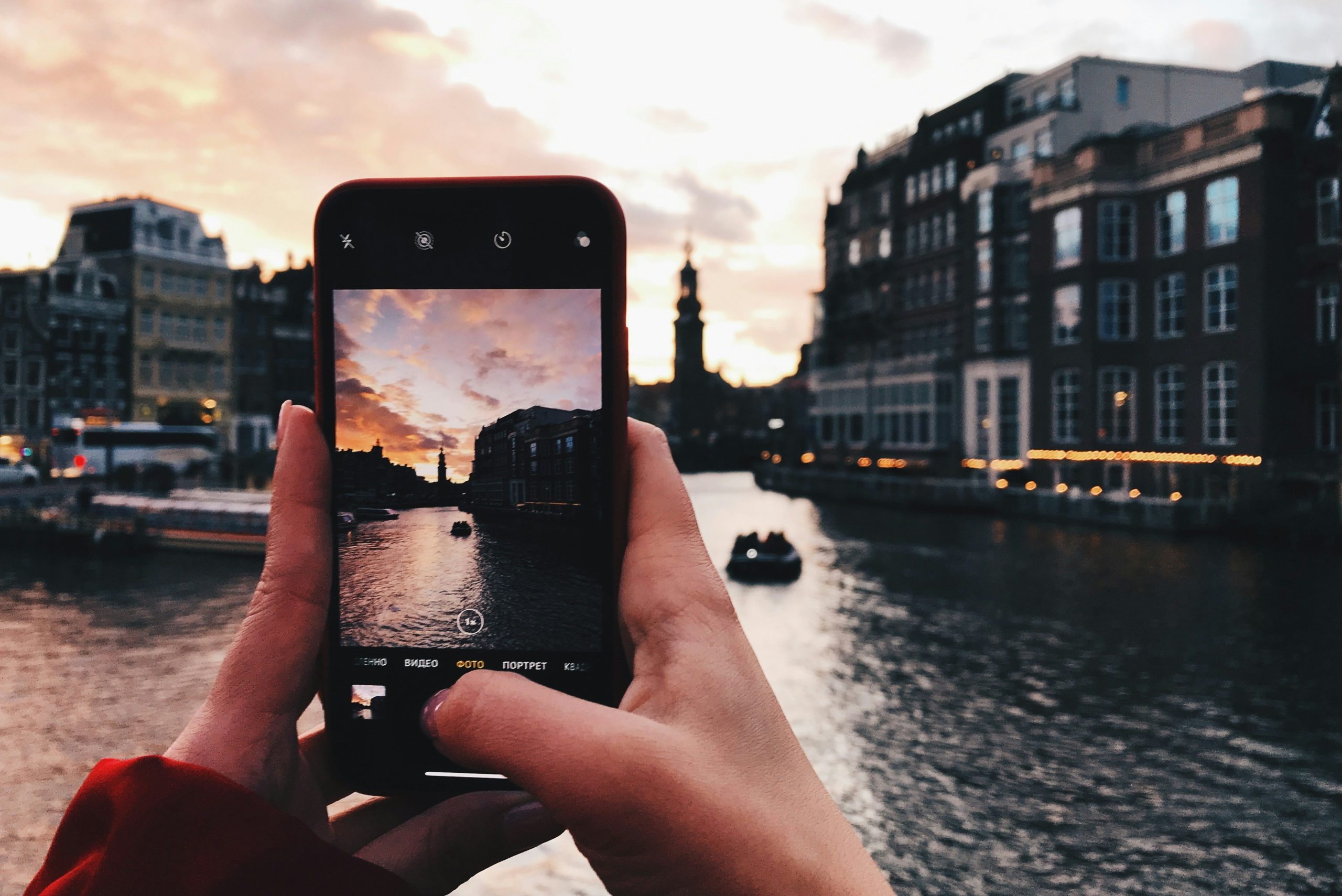
What Are Instagram Filters?
Instagram filters are built-in presets that instantly adjust brightness, contrast, saturation, and color tone. They help create a consistent aesthetic and save time compared to manual editing.
Modern Instagram editing now includes the following:
- Classic filters (e.g., Clarendon, Juno)
- Enhanced tone filters (Fade, Boost, Simple)
- Creative effects (Grainy, Halo, Color Leak)
- Location-inspired filters (Paris, Tokyo, New York)
Classic Instagram Filters (Still Popular in 2026)
These are the original Instagram filters that remain widely used today.
Bright & Vibrant
- Clarendon – Brightens highlights and deepens shadows
- Juno – Boosts warm tones and contrast
- Lark – Enhances blues and greens
- Lo-Fi – High saturation for bold visuals
Soft & Warm
- Valencia – Subtle warm glow
- Aden – Light pastel tones
- Mayfair – Warm pink tint with softness
- Rise – Gentle brightness with glow
Minimal & Clean
- Ludwig – High contrast, muted tones
- Perpetua – Bright, modern finish
- Crema – Slight desaturation
Vintage & Retro
- Gingham – Faded vintage look
- Reyes – Dusty, film-like tones
- Slumber – Muted and soft vintage
- Nashville – Retro pink fade
Black & White
- Inkwell – High contrast monochrome
- Willow – Soft grayscale
- Moon – Subtle black-and-white tones
Modern Instagram Filters (New UI Categories)
Instagram has introduced newer filters that offer more nuanced control and stylized effects.
Simple Filters
- Simple
- Simple Warm
- Simple Cool
Clean, minimal adjustments for everyday use.
Fade Filters
- Fade
- Fade Warm
- Fade Cool
Add a soft, washed-out aesthetic.
Boost Filters
- Boost
- Boost Warm
- Boost Cool
Increase vibrancy and contrast.

Creative & Artistic Filters
- Grainy – Adds film grain texture
- Gritty – Dark, high-contrast look
- Halo – Soft glow effect
- Color Leak – Light leak aesthetic
- Soft Light – Gentle lighting effect
- Zoom Blur – Motion blur effect
- Handheld – Slight shake realism
- Moire – Pattern distortion
- Lo-Res – Low-resolution retro look
- Wavy – Distortion effect
- Wide Angle – Lens-style perspective
Location-Based Instagram Filters
These filters are inspired by different cities and global aesthetics:
- Paris
- Los Angeles
- Oslo
- Melbourne
- Jakarta
- Abu Dhabi
- Buenos Aires
- New York
- Jaipur
- Cairo
- Tokyo
- Rio de Janeiro
These filters often combine color grading styles associated with each city’s visual identity.
How to Use Instagram Filters (2026 UI)
- Tap the “+ Create” button
- Select or capture a photo/video
- Tap Next
- Browse filters in the bottom carousel
- Tap a filter to preview
- Tap again to adjust intensity, and click “done”
- Tap Next and share

Filters vs Effects: What’s the Difference?
Filters are applied mainly to feed posts and adjust color and tone.
Effects are used in Stories and Reels and include AR filters, face effects, and AI-based visuals.
In 2026, Instagram emphasizes effects more heavily, especially for short-form video content.
Best Instagram Filters for Different Content Types
- Selfies: Aden, Soft Light, Paris
- Food: Lo-Fi, Boost, Valencia
- Travel: Lark, Juno, Tokyo
- Minimalist: Ludwig, Simple, Oslo
- Vintage: Gingham, Reyes, Grainy
Final Thoughts
The Instagram filter ecosystem in 2026 is more diverse than ever. While classic filters like Clarendon and Valencia remain popular, newer styles like Fade, Boost, and city-based filters give creators more flexibility.
To stand out, experiment with different filters, combine them with manual edits, and maintain a consistent visual identity across your posts.